Case Study·Public Service·Mobile App

Redesigning Taiwan’s e-Invoice app for accessibility & trust

Increasing login success from 68% → 92% through research, clearer language, and inclusive design for millions of citizens.

Role
Product Designer
Timeline
2024 – 2025
Platform
iOS & Android
Client
The Ministry of Finance, R.O.C.
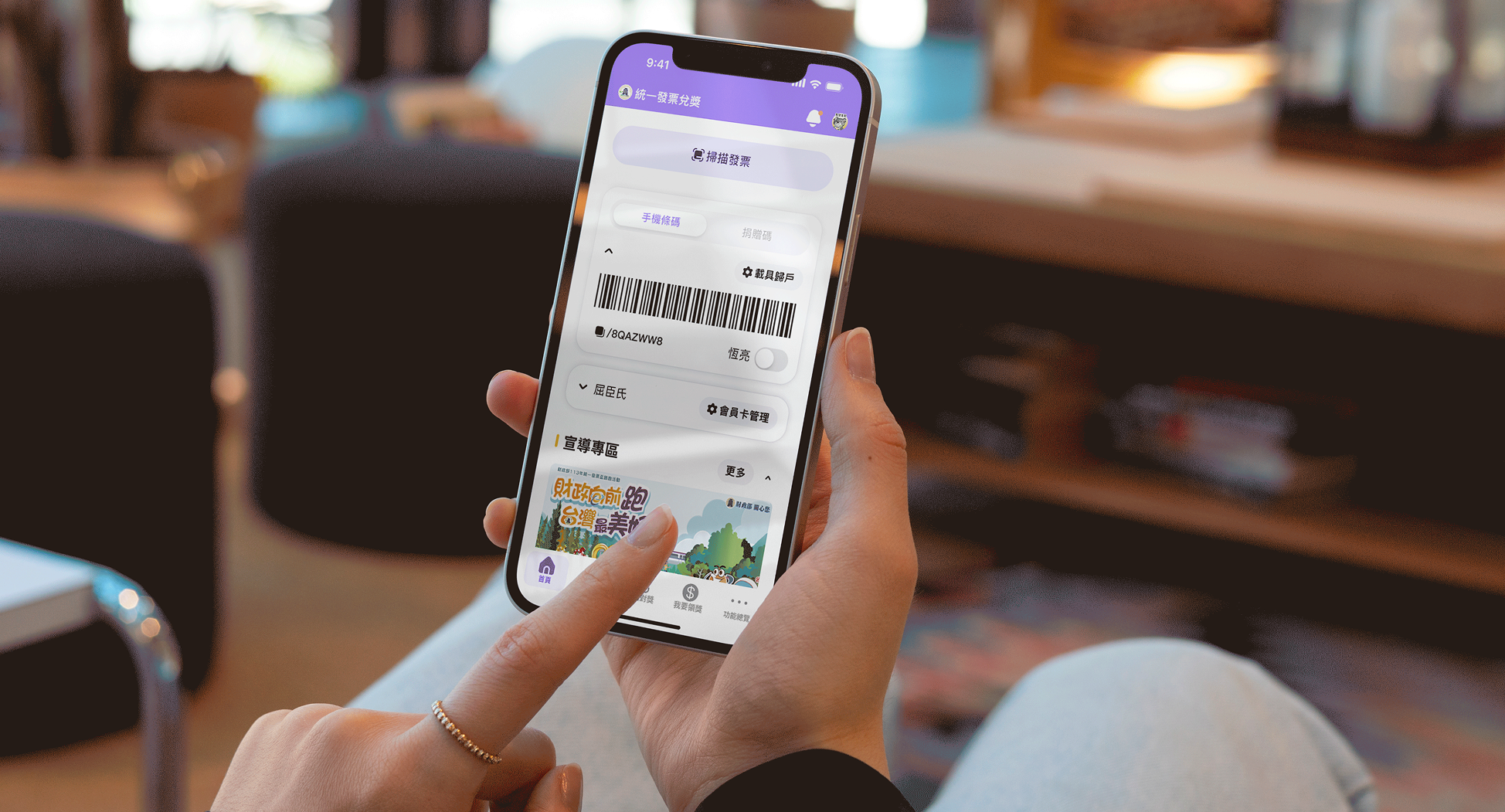
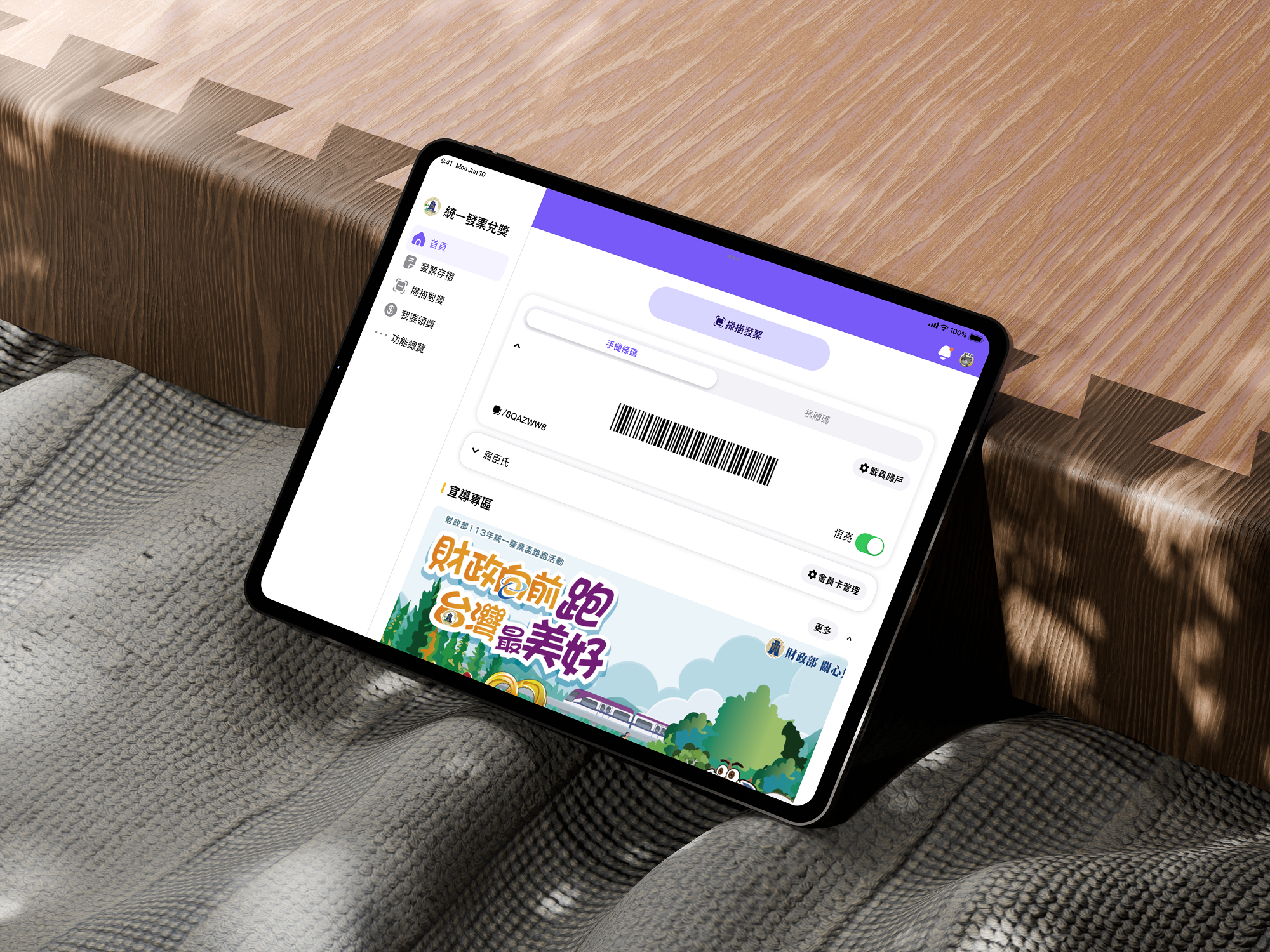
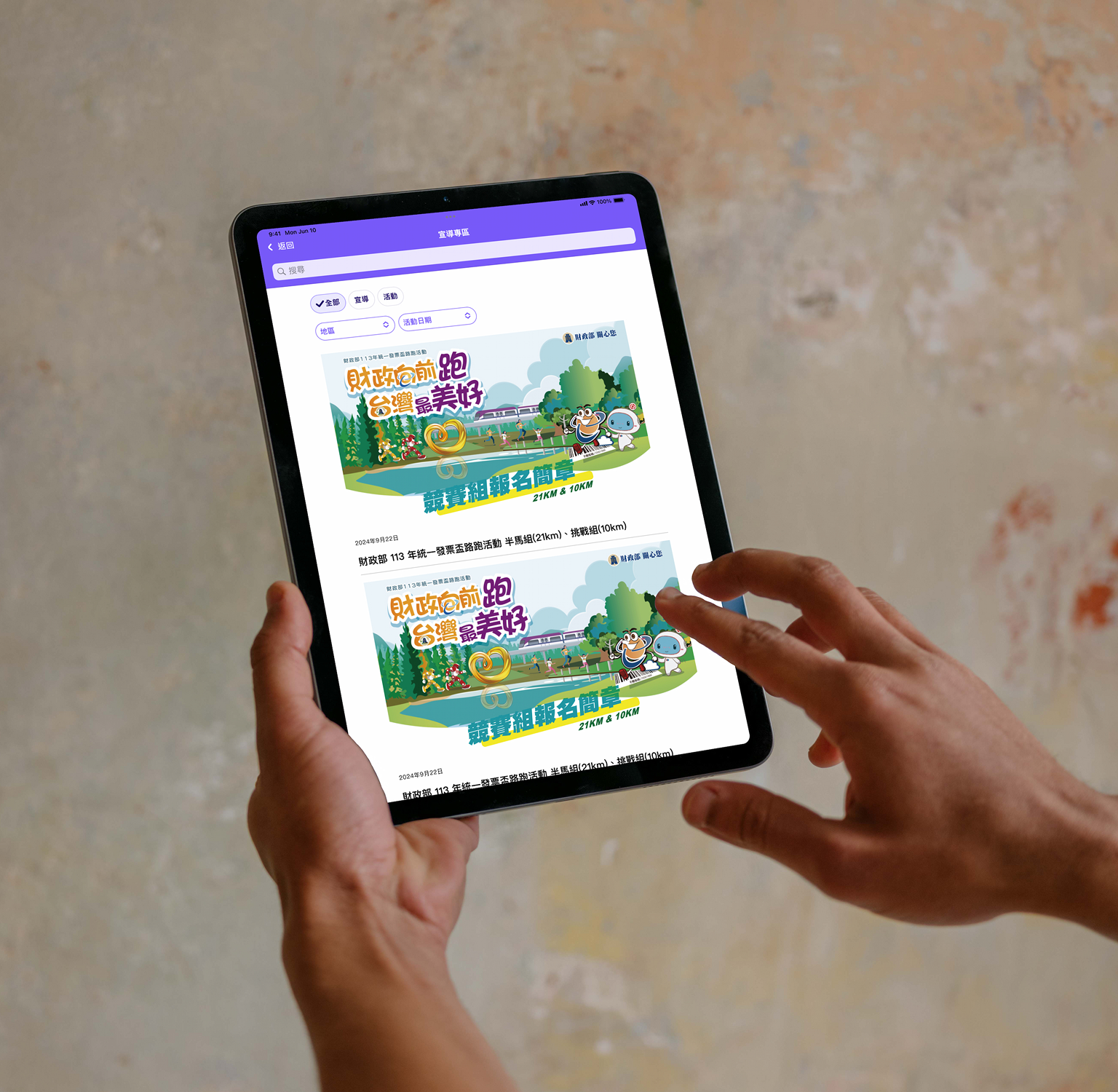
e-Invoice app key screen or device mockup
00 · At a glance

One journey, one outcome

  • Outcome: login success improved from 68% to 92%.
  • Scope: redesigned the citizen journey from entry/login to claim and rewards comprehension.
  • My role: led UX end-to-end (research, interaction design, prototyping, and stakeholder alignment).
01 · Context

Challenge and context

Taiwan’s e-Invoice app is a nationwide public service: citizens store receipts, check lottery winnings, and manage rewards. When I joined Turn Cloud Technology Service Taiwan, the app was widely used but hard to use—people struggled to log in, didn’t trust the interface, and often gave up before completing basic tasks.

I led end-to-end UX for the authentication and core flows, working with government stakeholders and a cross-functional team of 10+ engineers.

02 · Three core UX gaps

One journey, three systemic barriers

Gap 01

Cognitive load in complex government flows

Users did not know sequence, next step, or current stage. They hesitated and dropped off before finishing.

Gap 02

Trust and safety gap in invoice and money context

Users asked: Did it go through? Will this fail? Did I receive my money? Confirmation and reassurance were not explicit enough.

Gap 03

Discoverability and inclusive setup on mobile

Seniors and foreign users had difficulty finding key functions and completing reward-bank setup without guided onboarding.

User journey map showing pain points and touchpoints
Journey map aligned all stakeholders on where confidence broke: sequence ambiguity, trust uncertainty, and setup friction.
03 · Design approach

Principles and decisions per gap

I treated this as one high-stakes citizen journey and translated research into three design principles: reduce cognitive load with step-based progress, increase trust with explicit system feedback, and improve discoverability with guided setup and clear IA.

Research and synthesis

I ran 30+ sessions—focus groups and 1:1 interviews—with teenagers, seniors, foreigners, and visually impaired users. I mapped where people hesitated, which terms confused them, and how they recovered from errors. The insight: many users weren’t “bad with technology”; they were confused by system language and flow structure.

Research session with elderly users
Research with elderly users (銀髮族) to understand accessibility and trust barriers.

System-level design principles

From research and stakeholder alignment, I defined a consistent language and hierarchy model: name things the way citizens do, reveal one next action at a time, make status explicit, and provide reassurance at critical moments.

Style guide: professional and practical visual direction
Visual direction: professional, practical, and trustworthy—aligned with government and citizen expectations.
Step-based progress clarityConfirmation and reassuranceGuided setup and discoverability

Flow architecture and iteration

I redesigned the flow architecture with explicit stage cues, rewrote feedback and helper messaging, and introduced guided setup patterns for reward banking and key actions. Prototypes were validated with users and used to align government leadership decisions.

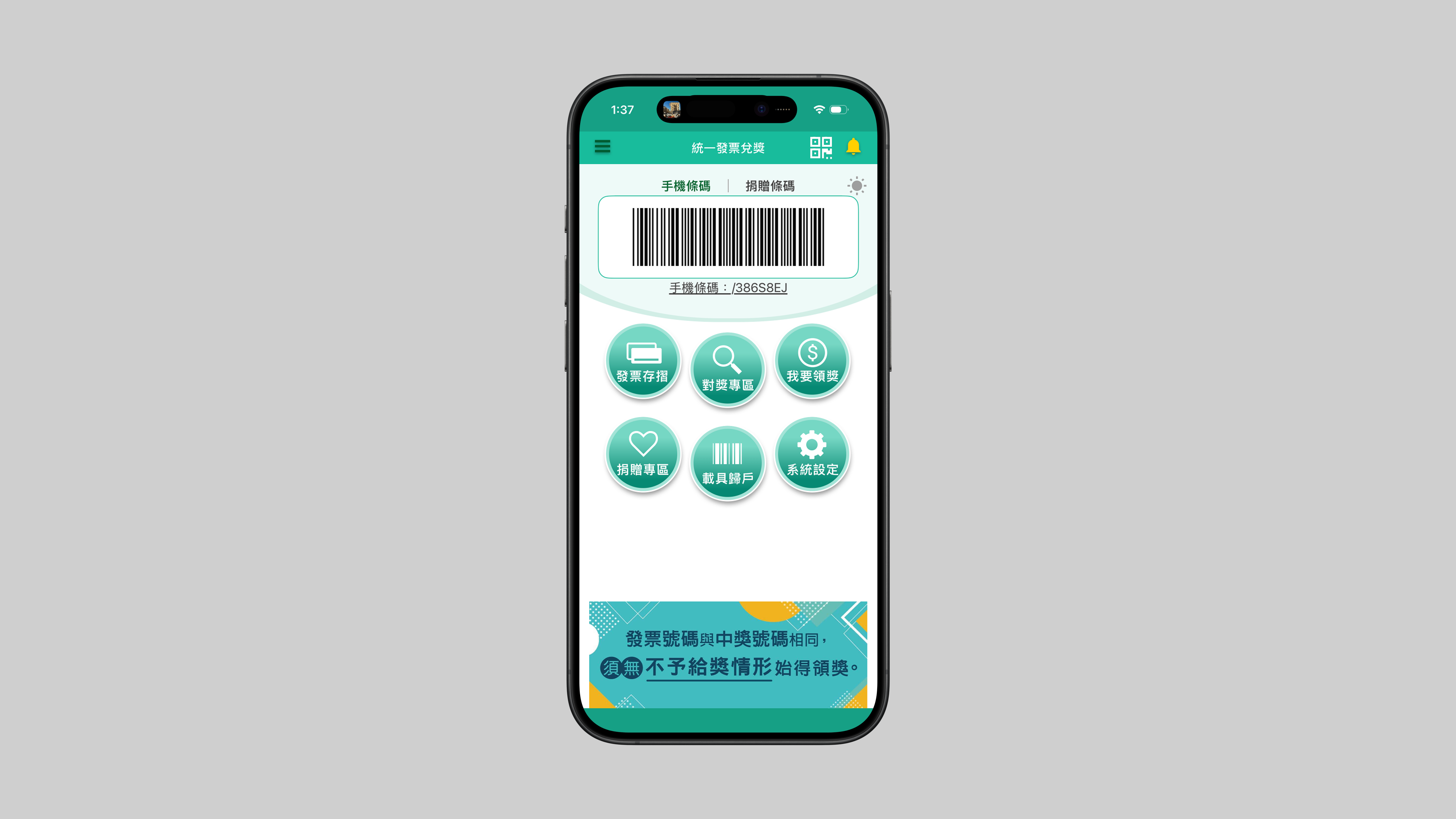
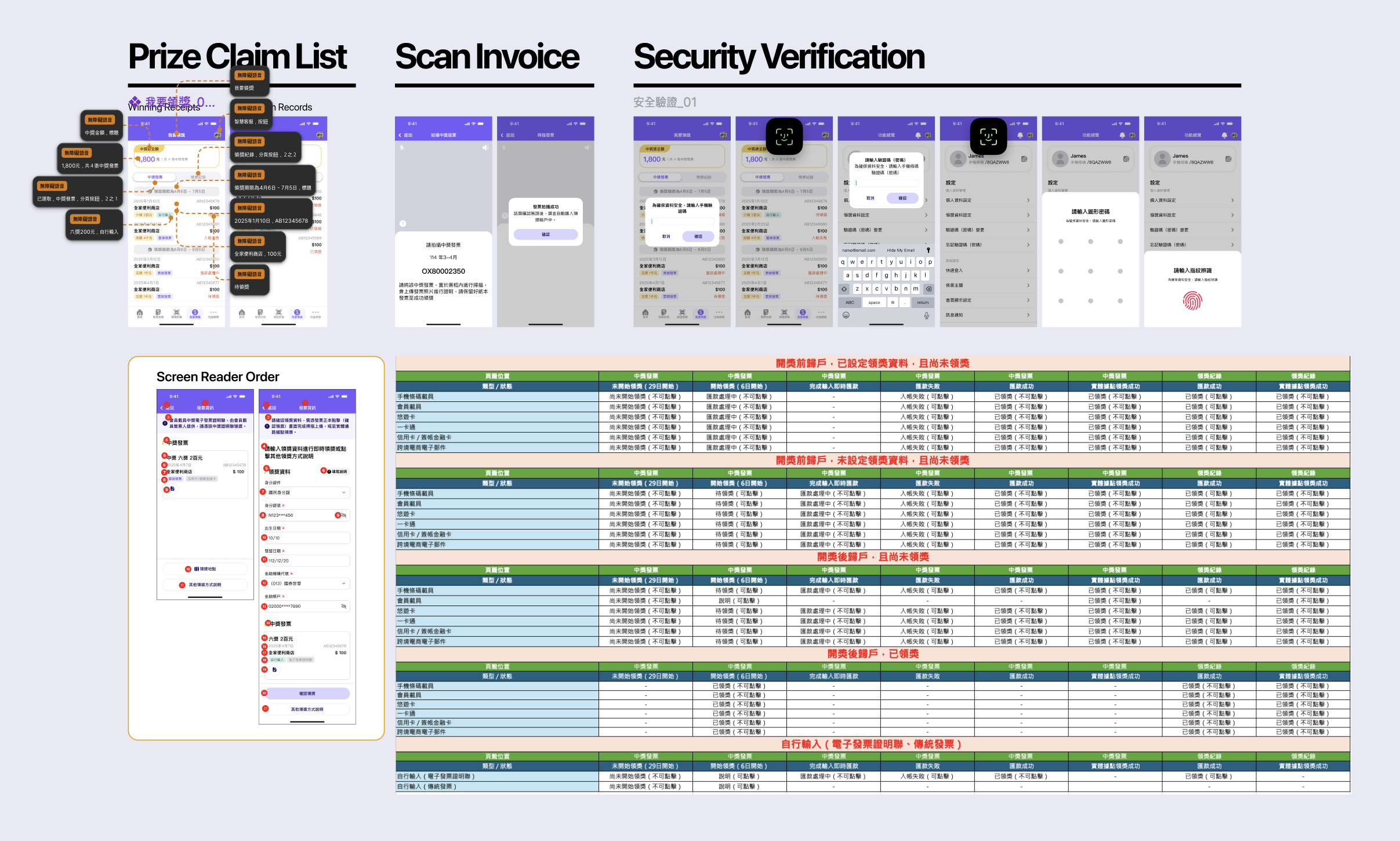
Flow architecture: login and registration iteration

Slide 1 of 3. Auto-advances; pauses on hover.

Page flow and navigation structure that simplified login and core tasks—shown across key architecture iterations.

04 · Solution by theme

How the product changed across the three gaps

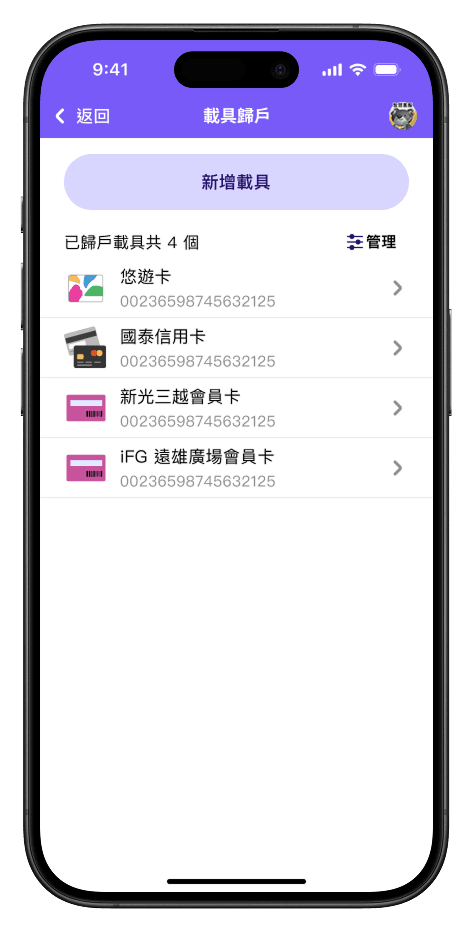
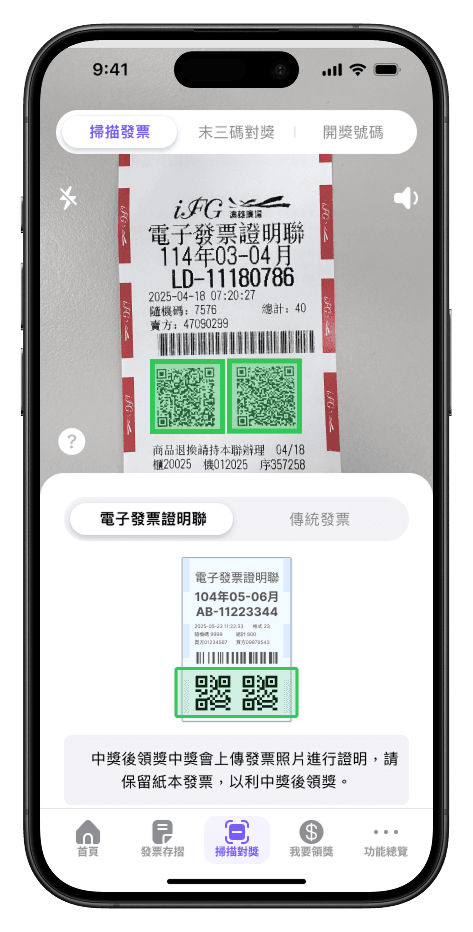
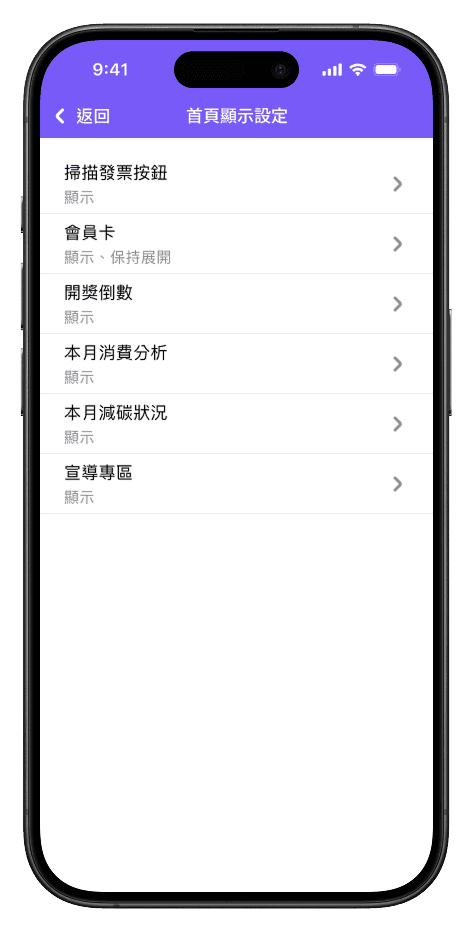
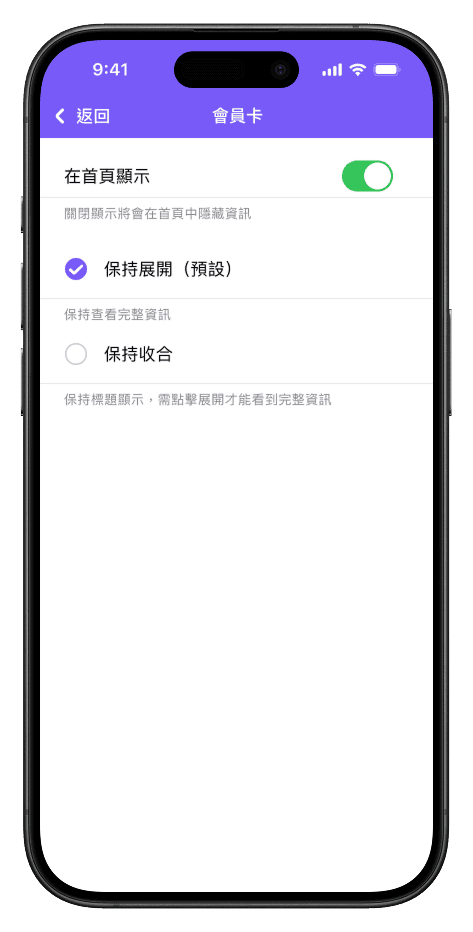
Instead of showcasing isolated screens, this section maps shipped UI changes to each core UX gap so recruiters and stakeholders can see the logic from problem to solution.

Gap 01 · Cognitive load reduction

I introduced step-based flow, stronger hierarchy, and clear grouping so users always know what stage they are in and what to do next.

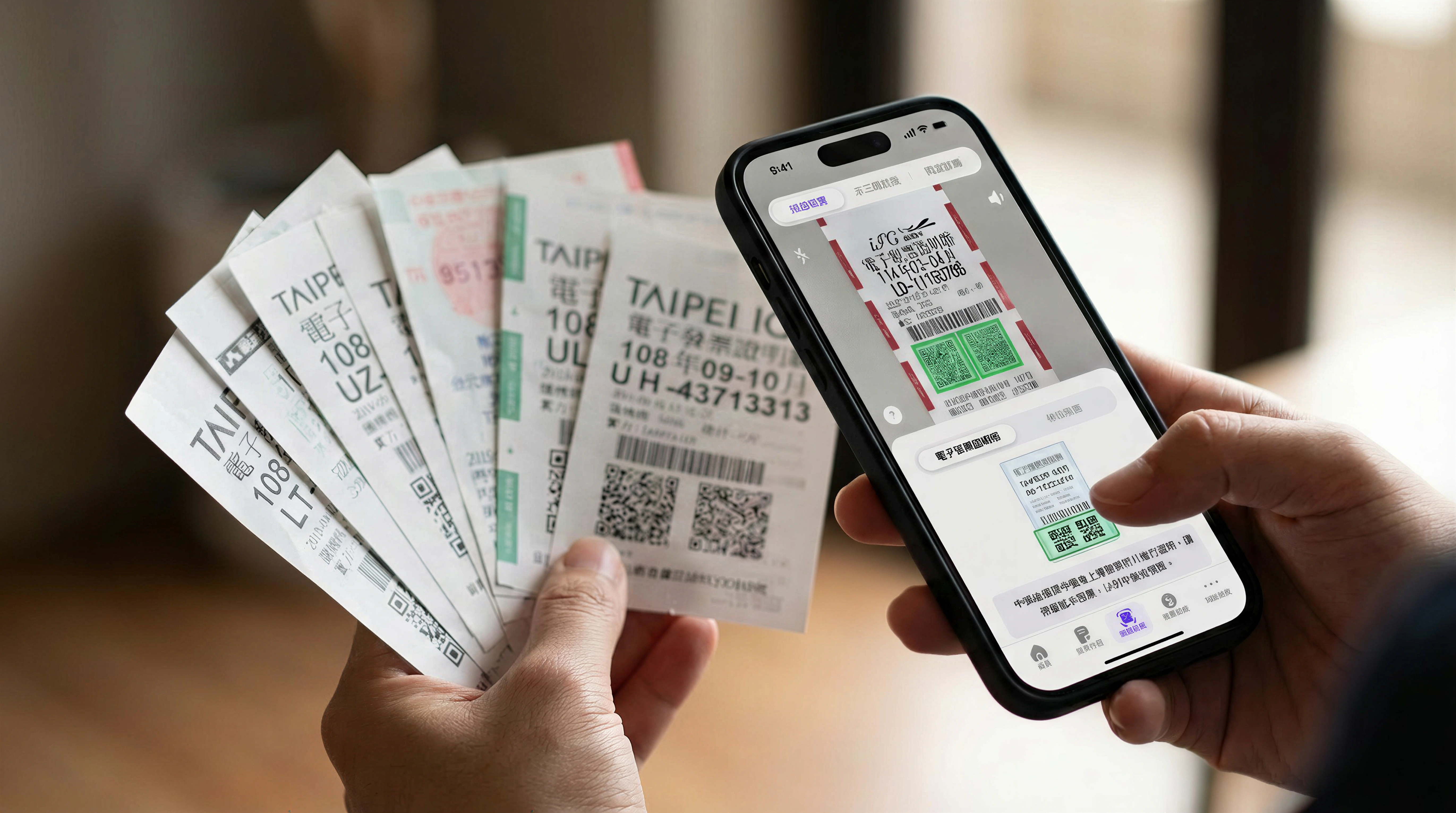
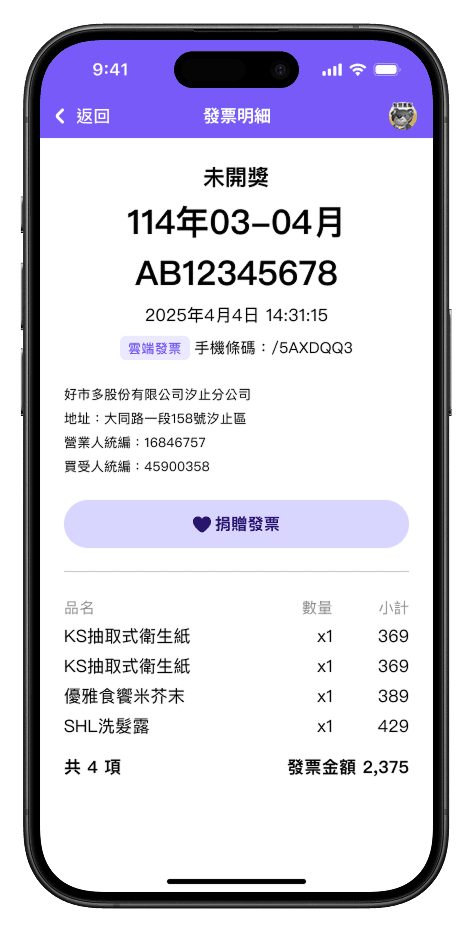
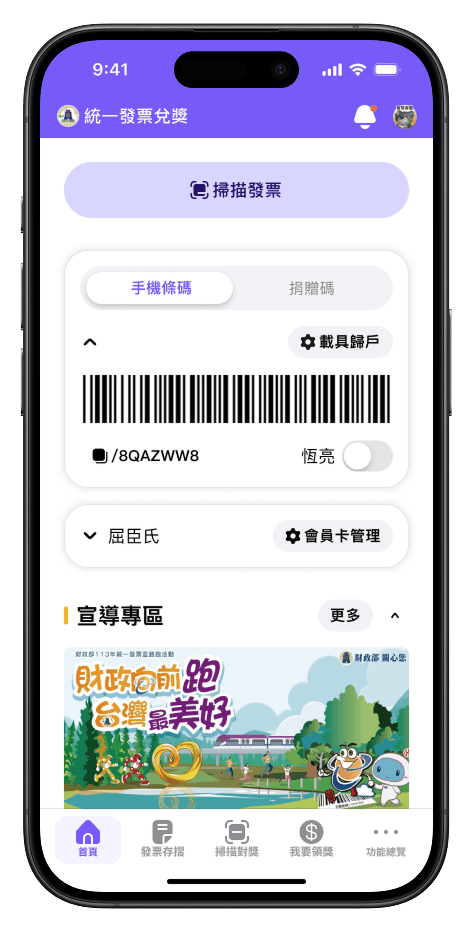
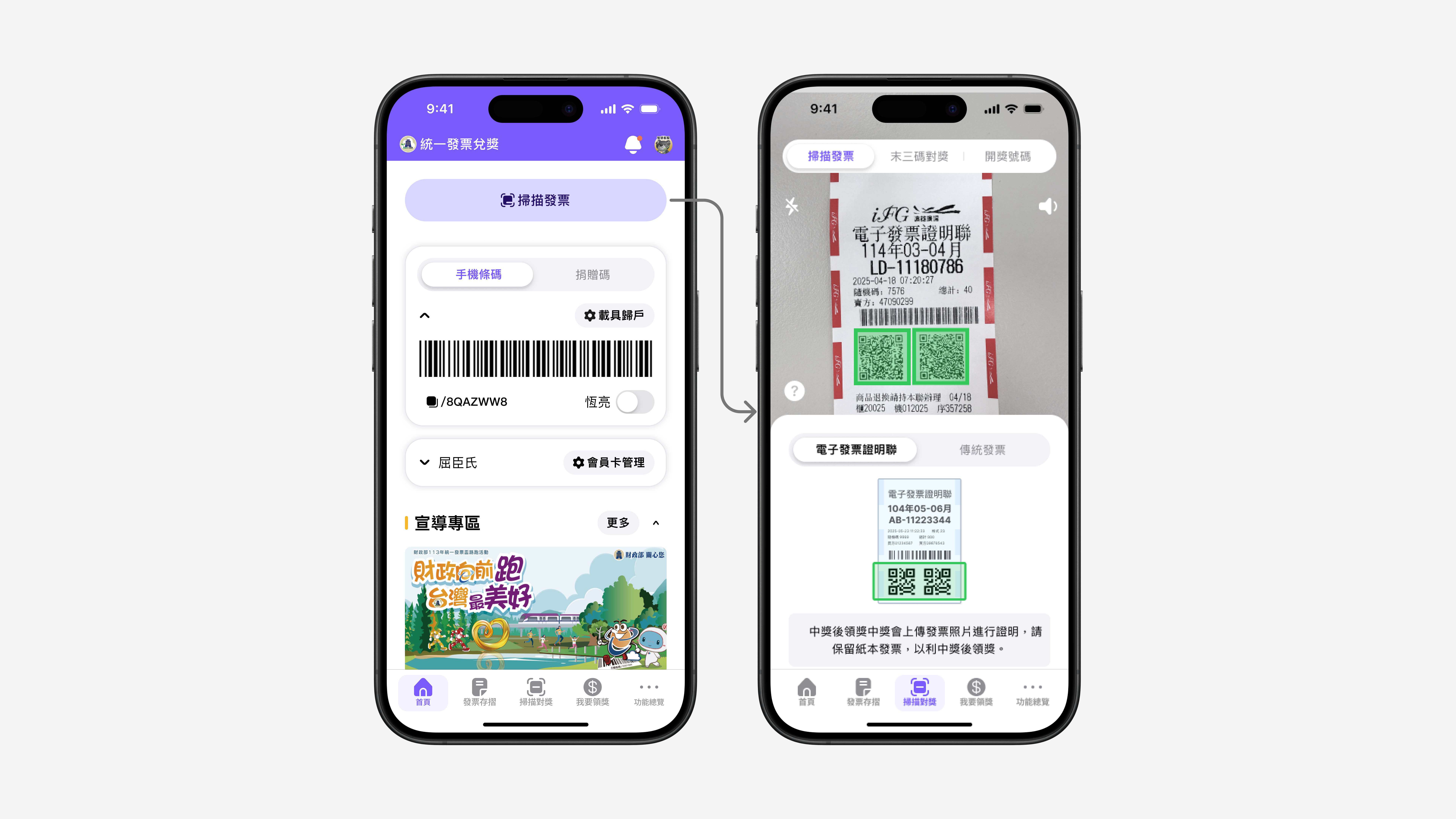
Invoice verification flow with clear sequence

Step-based sequence in scan-to-claim

Invoice ledger with clearer hierarchy

Hierarchy and grouping in ledger

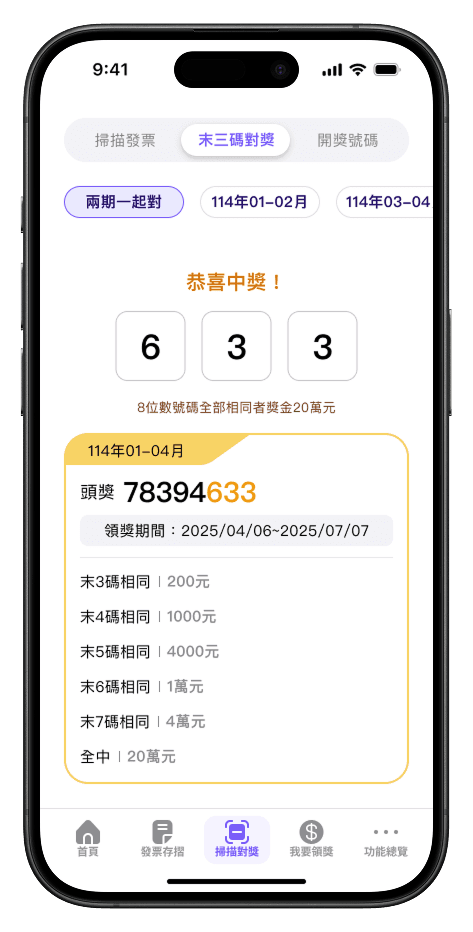
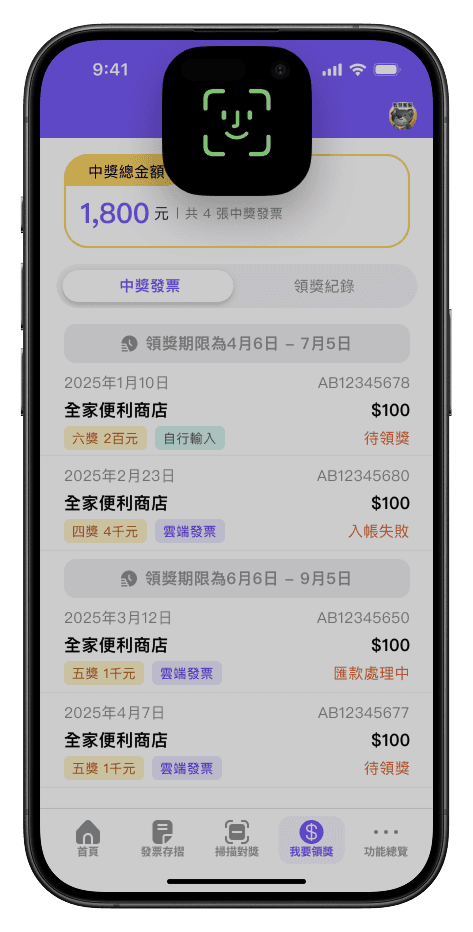
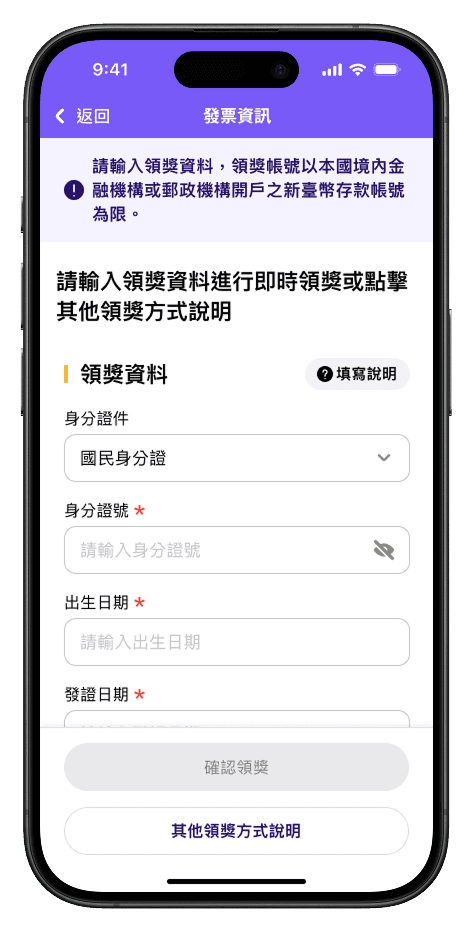
Rewards list with explicit next actions

Next actions are explicit

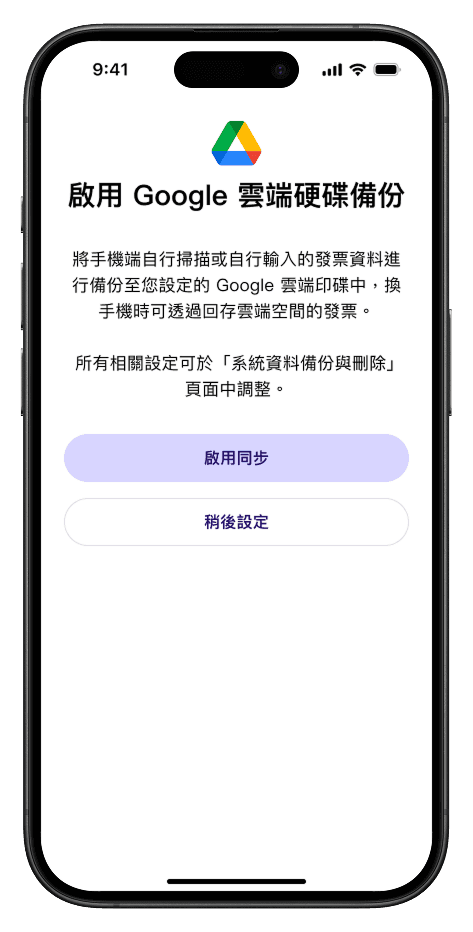
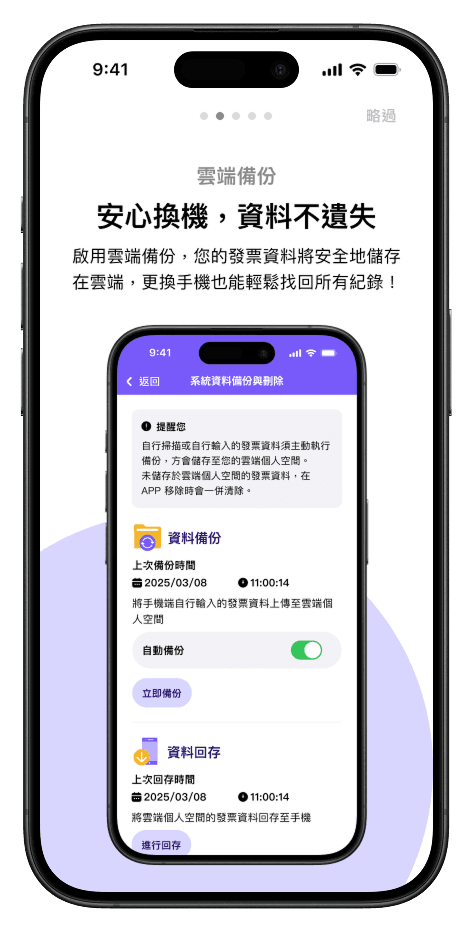
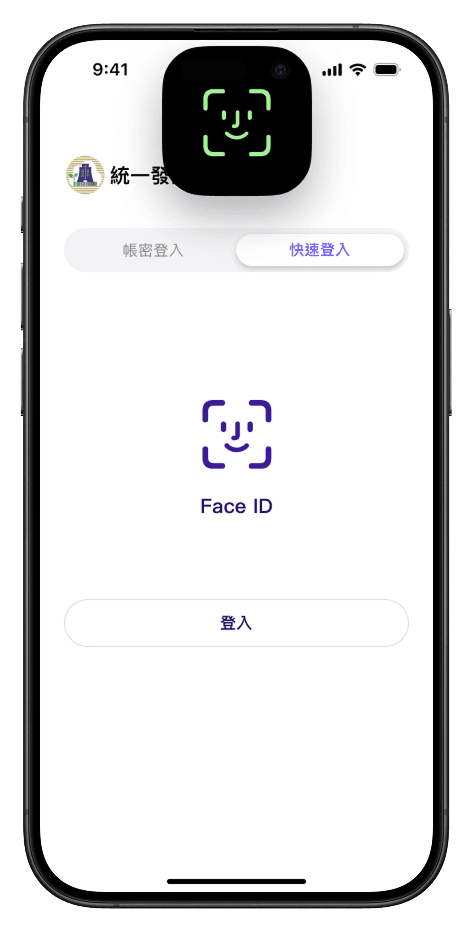
Login and onboarding with clearer progression

Clear progression in entry flows

Gap 02 · Trust and safety

I redesigned confirmation clarity, feedback messaging, and reassurance states to reduce fear of failure in invoice and money-related actions.

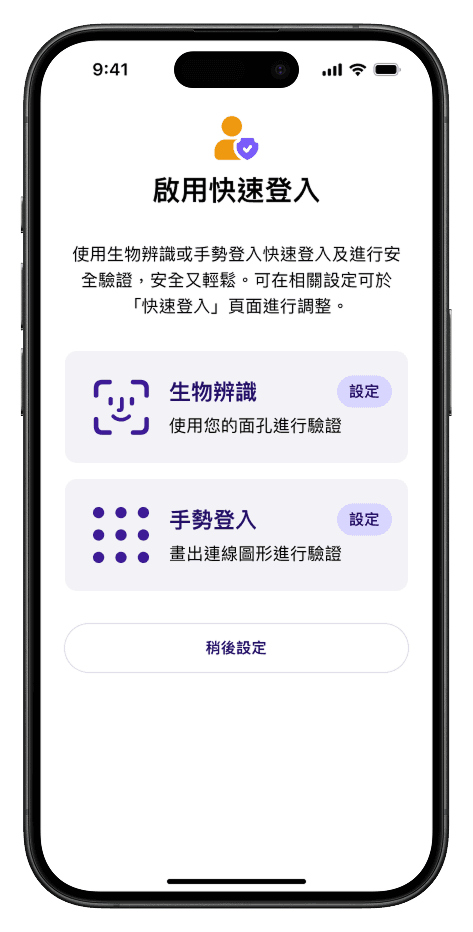
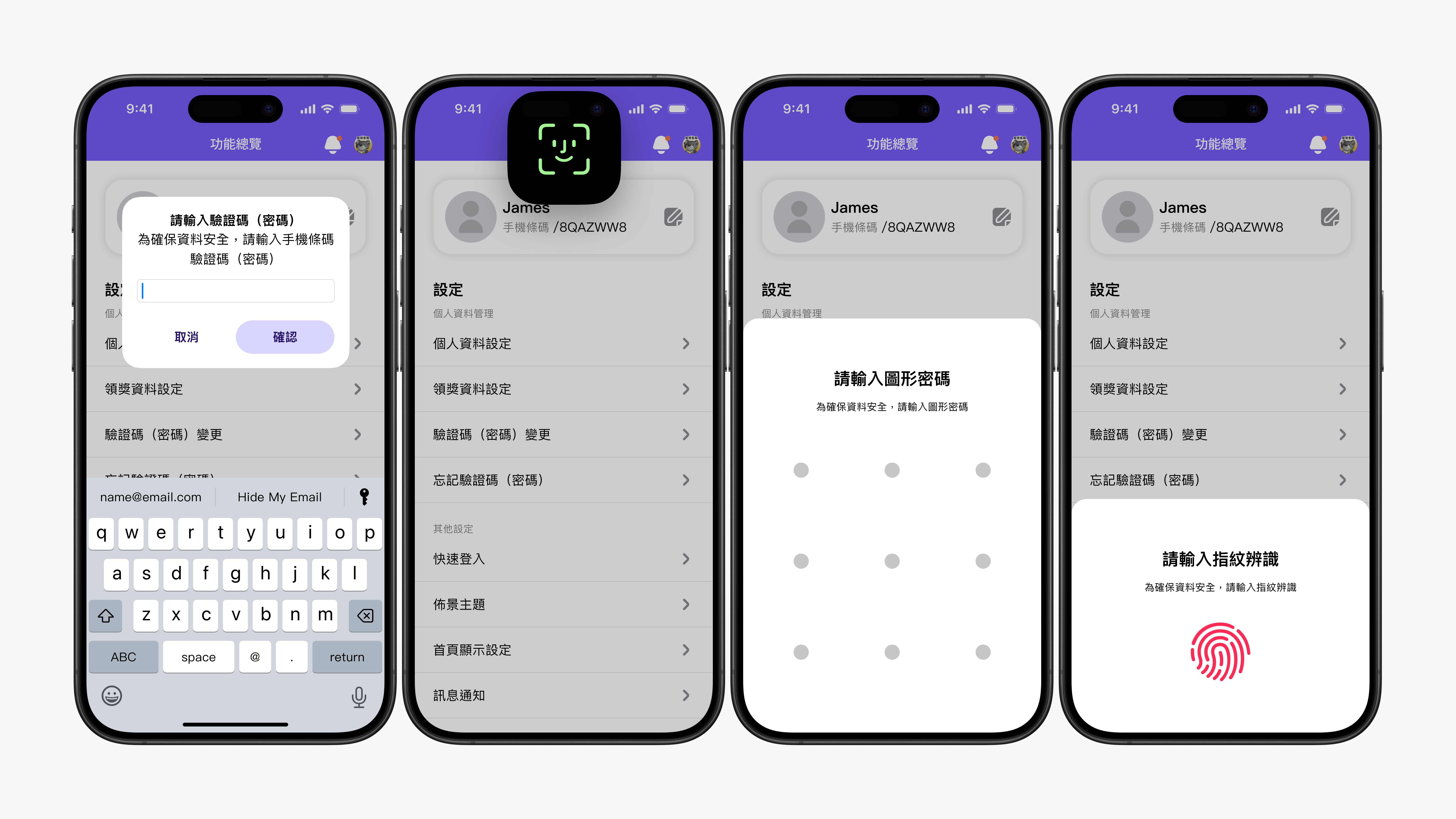
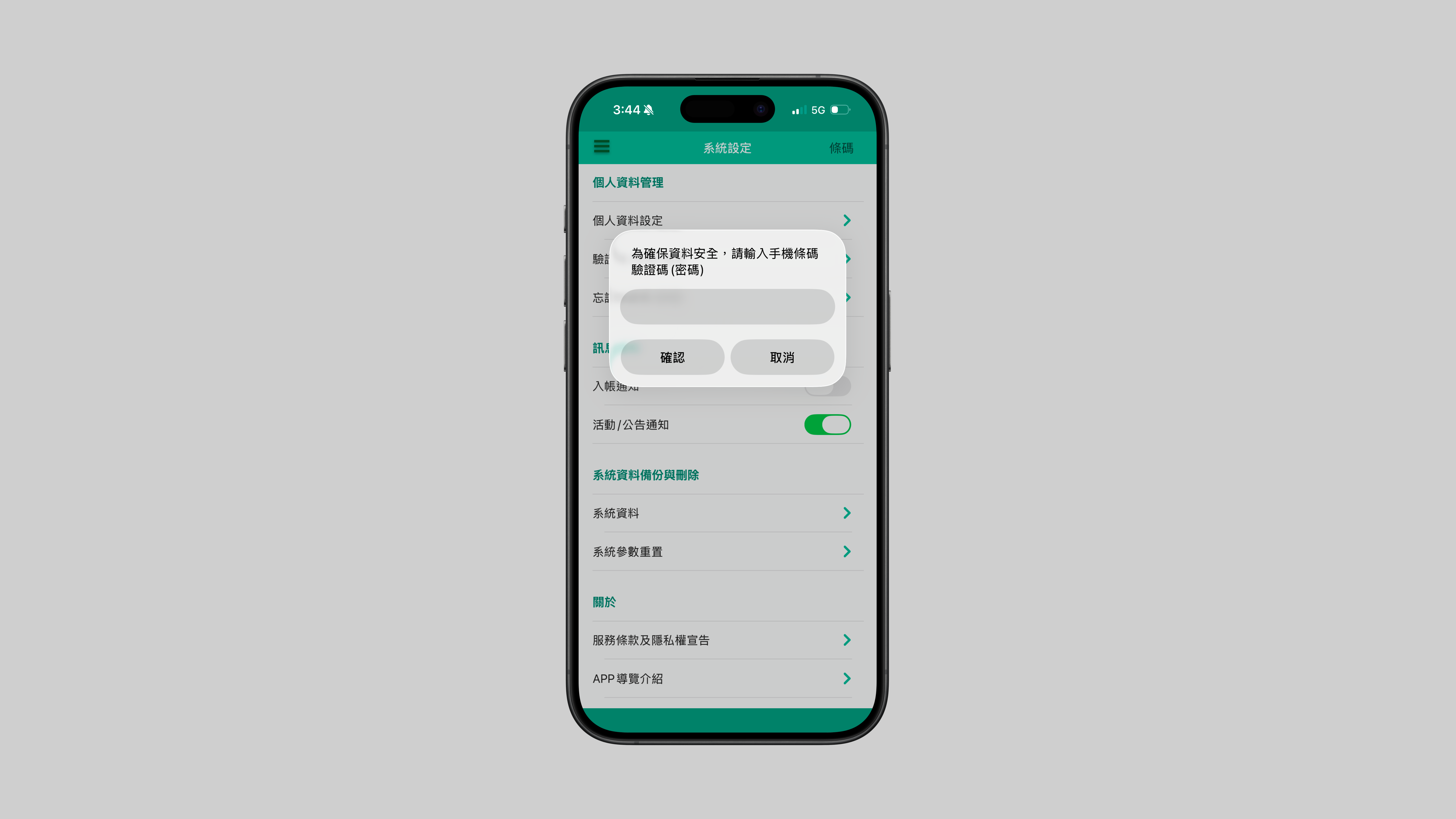
Secure entry options and safety controls

Secure entry choices

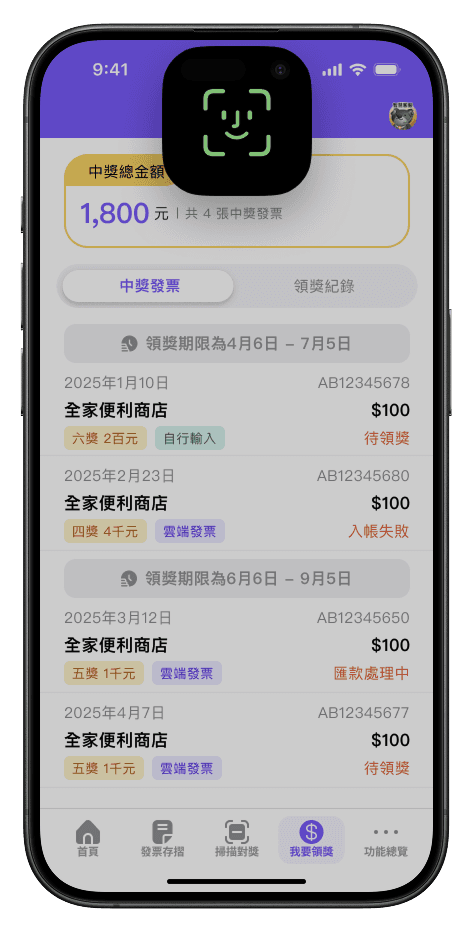
Prize status and processing feedback

Clear status and confirmation

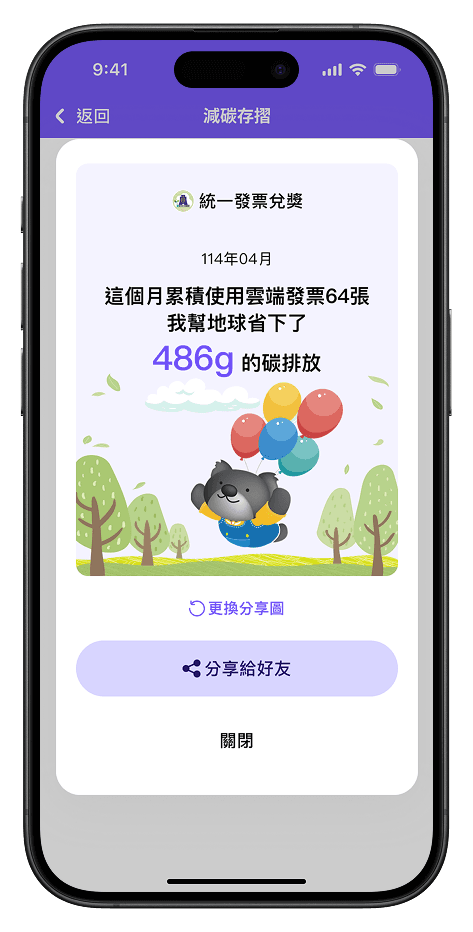
Transparent analysis and value summary

Transparent outcomes and value

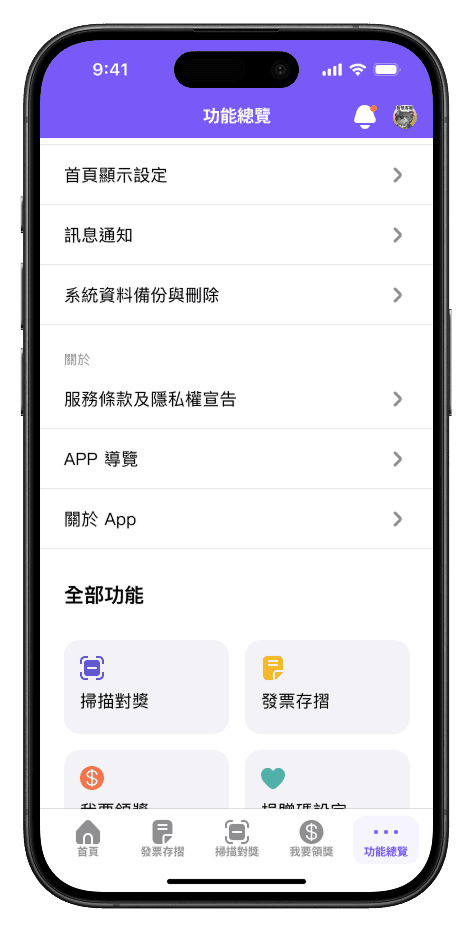
Feature overview reinforcing predictable structure

Predictable structure builds confidence

Gap 03 · Discoverability and inclusive setup

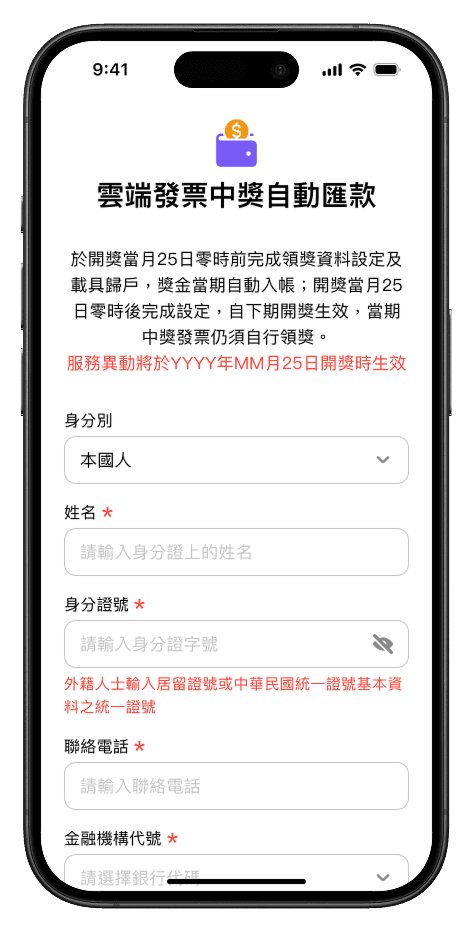
For seniors and foreign users, I added guidance-oriented onboarding and setup flow patterns so critical features are findable and reward account setup is completable.

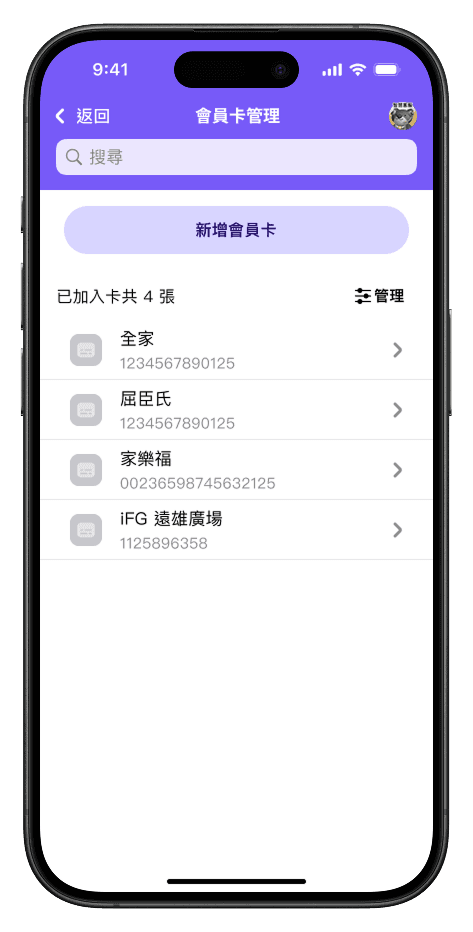
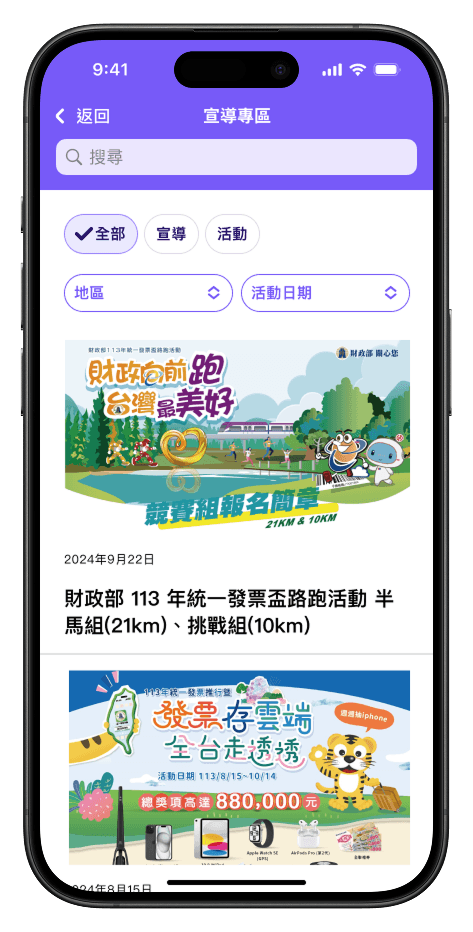
Feature overview and discoverability improvements

Findability of key functions

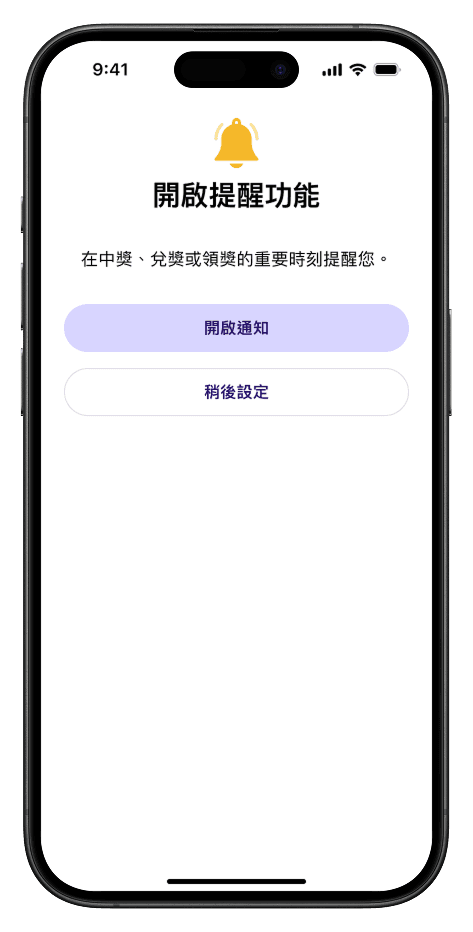
Guided login and setup affordances

Guided entry and setup affordances

Structured information for diverse users

Inclusive information structure

Rewards and next steps with explicit actions

Explicit next steps in rewards flow

05 · Impact

Impact and validation

Results were measured not only by login success, but by clearer completion confidence, fewer support-heavy failure moments, and stronger alignment with public-service accessibility standards.

Task completion and validation results
Task completion and validation results that informed the 68% → 92% outcome.
  • 68% → 92%Login success rate after launch and validation.
  • Trust clarityConfirmation and feedback states reduced uncertainty in key transaction moments.
  • Inclusive completionGuided setup and clearer IA improved completion for seniors and foreign users in testing.
  • ComplianceMet accessibility requirements and supported certification by Taiwan’s Ministry of Digital Affairs.

This project reinforced how much impact you can get from understanding diverse users, naming things clearly, and being intentional about the full entry-to-claim journey.

06 · Prototype testing

Validation before ship

I ran moderated prototype tests (one-on-one observation) with 12 participants covering diverse ages and contexts. Tasks spanned login and registration, carrier binding, invoice wallet and donation, scan and prize redemption, and spending analysis—mirroring the end-to-end citizen journey. Overall task success reached 88%, with concrete friction surfaced in verification and form entry that fed the next iteration.

For design leads & recruiters: this block is worth keeping—one image plus a short methodology blurb proves you validate before production and can tie work to task coverage and outcomes. Skip dumping the full Figma map; a single legible artifact (or this overview) is enough to signal rigor without overwhelming the narrative.

Prototype testing: core task map and flow coverage
Prototype scope aligned to core citizen tasks—used to prioritize fixes before release.
← Back to work